You can re-download the installer anytime if you need to reinstall. If the download does not start, contact support with your purchase email address and transaction ID, if available.
What you'll build
Turn your ultrawide touch display into a practical control deck.
LUMINOUSonce is not just something you install. It is something you build around the way you use your PC.
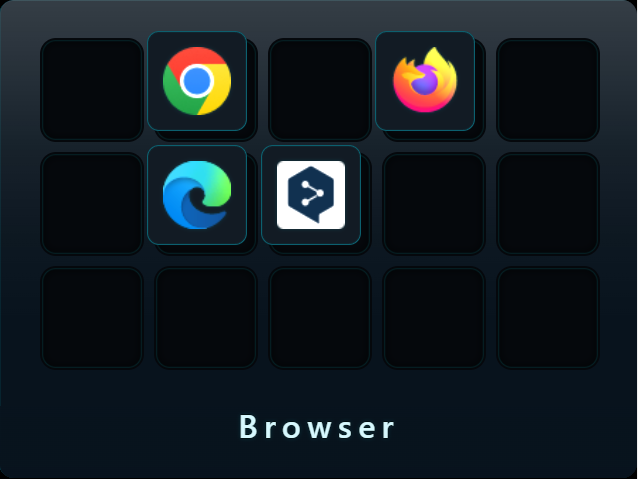
Browser Deck
Keep Chrome, Edge, ChatGPT, YouTube, X, Gmail, Notion, and everyday web workflows one tap away.
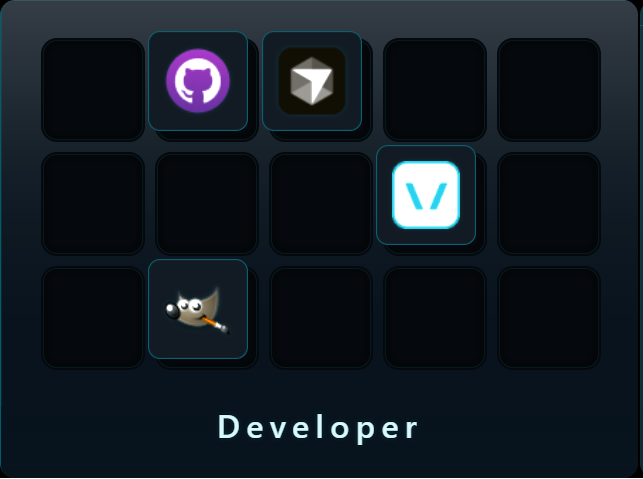
Developer Deck
Open coding tools, project folders, documentation, and AI assistants from a dedicated touch surface.
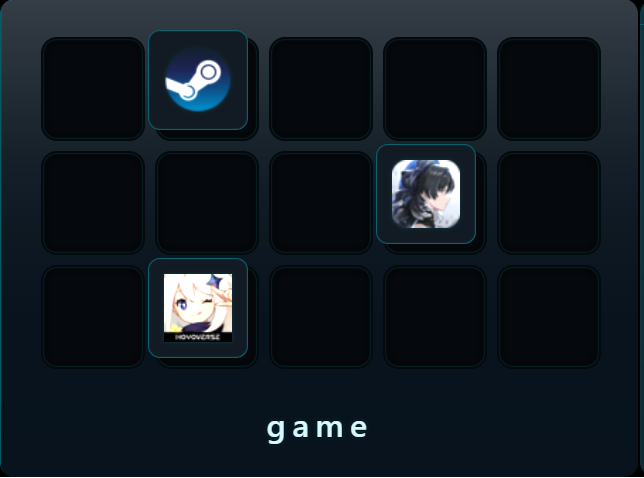
Game Deck
Launch games, voice chat, streaming tools, music, and system checks without breaking your main screen flow.
Start here
From download to your first deck
Download the installerSave the installer to your Windows PC. You can do this before receiving your license key.
Install Luminous OnceRun the installer and allow Windows to complete the installation.
Activate your licenseEnter the license key from the email when LUMINOUSonce asks for activation.
Build your first deckStart with browsing, development, gaming, or your everyday desktop workflow.
Enjoy your touch displayChoose your ultrawide touch display and begin using it as a practical control surface.
License keys are manually generated and usually sent within 24 hours after purchase. You can install and launch LUMINOUSonce while waiting, but full use requires activation.
If you have not received your license email within 24 hours, contact support with your purchase email address and transaction ID, if available.
Before daily use
Some widgets may need setup.
Basic setup starts with installation, activation, and display selection. Player Widget may need extra configuration depending on your music player and desktop environment.
Your license key is manually generated and usually sent by email within 24 hours after purchase.
Can I download before receiving the license key?
Yes. You can download and install the Windows installer before your license email arrives.
What do I enter during activation?
Enter the license key included in the license email sent after purchase.
Can I download the installer again?
Yes. There is no download limit. Re-download anytime when reinstalling or changing environments.
Does Player Widget require extra setup?
It may. Player Widget depends on your music player and environment, so check the setup guide before daily use.
What if my license email does not arrive?
If it has been more than 24 hours, contact support with your purchase email address and transaction ID, if available.
Need help?
Contact support with the details below.
Include your purchase email address, transaction ID if available, license key if already received, Windows version, app version, and a short issue summary.