Luminous Once / Sell-once edition
Do not let your ultrawide touch display become just another clock.
LUMINOUSonce turns a small ultrawide touch display into something you actually touch: a personal desktop control deck for launching apps, opening files, and organizing your PC workflow.
One-time purchase
Windows desktop app
Built for ultrawide touch displays
Launch price
$24
Loading checkout...
Questions about purchase, activation, or refunds? Contact support.
The problem
Small ultrawide displays often become passive screens.
Many end up as a clock, a system monitor, or a decorative second screen. They look good, but they are not always useful.
The shift
LUMINOUSonce gives that display a real role.
Touch your own icons, switch your own decks, and use the screen as a control surface for your desk.
Core feature
Deck Widget is the core of LUMINOUSonce.
Create up to 5 decks and place up to 75 touch shortcuts for apps, files, folders, and workflows. Instead of searching your desktop, touch the panel you built.
It is not just faster. It feels like using your own desktop control panel.
Use examples
Use examples, not limits.
Start with one display, then shape it around the way you use your PC.
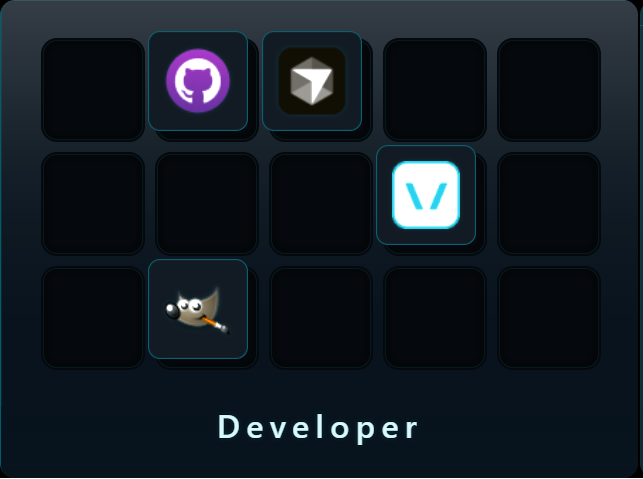
Developer Deck
Apps, project folders, docs, and AI tools.
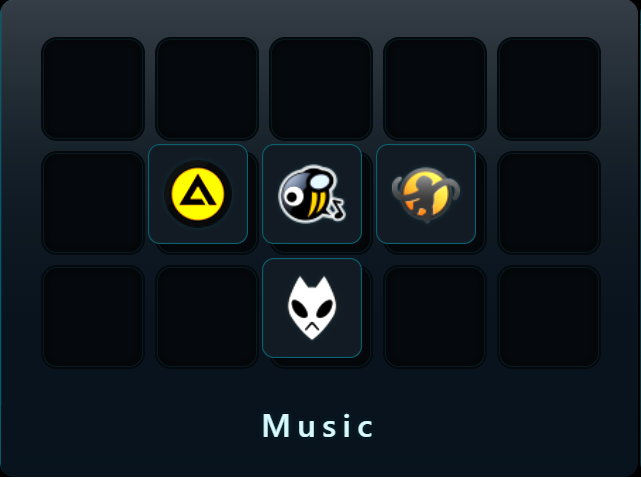
Music Deck
Music apps, player workflows, and audio folders.
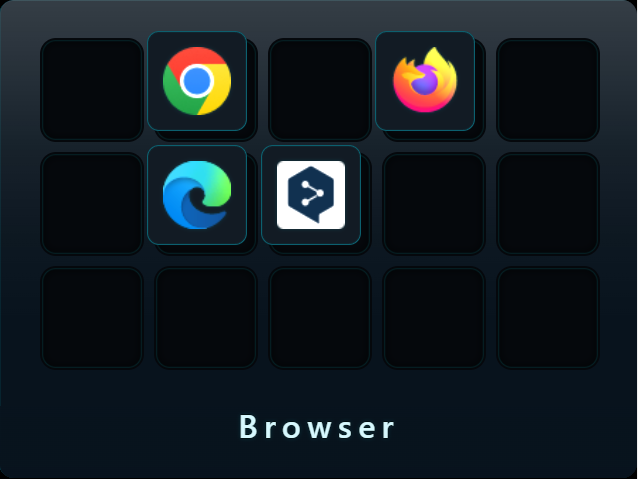
Browser Deck
Chrome, Edge, ChatGPT, YouTube, X, Gmail, Notion, and everyday web workflows.
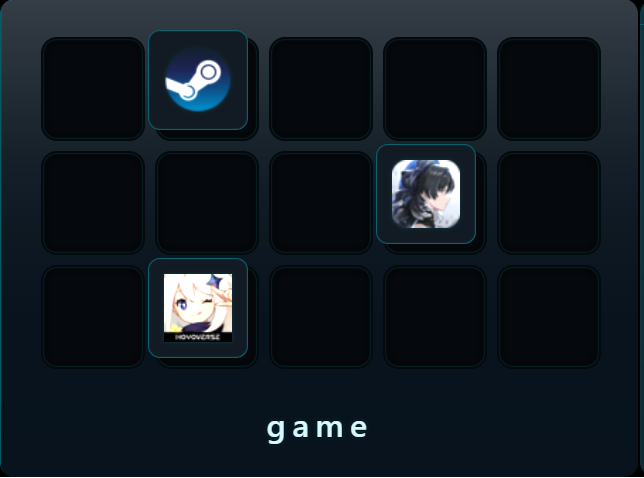
Game Deck
Steam, Discord, OBS, music, and system checks.
Visual presence
It still looks good when you are not touching it.
Player and system views support the deck experience with useful, ambient information throughout the day.
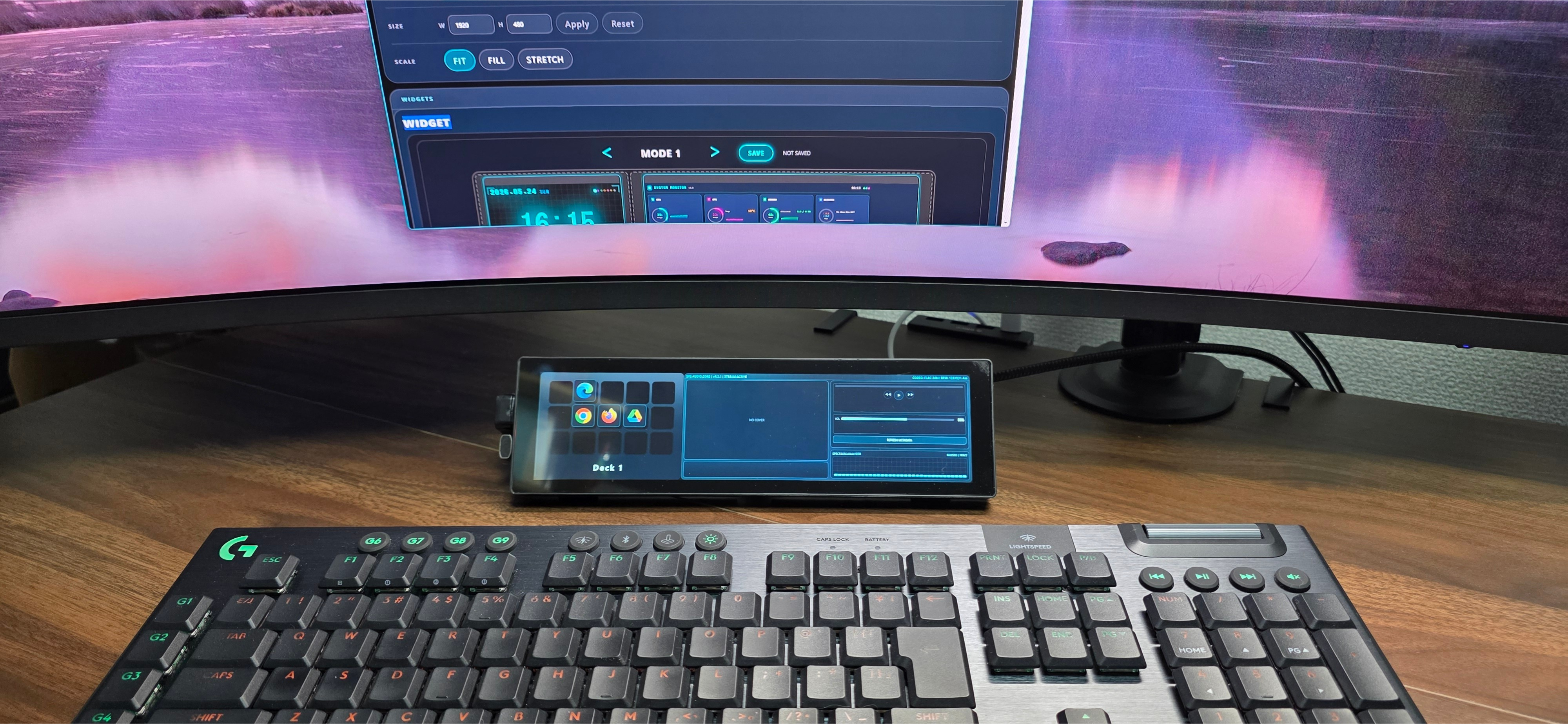
Player views add motion and atmosphere while your deck remains the center of the product.
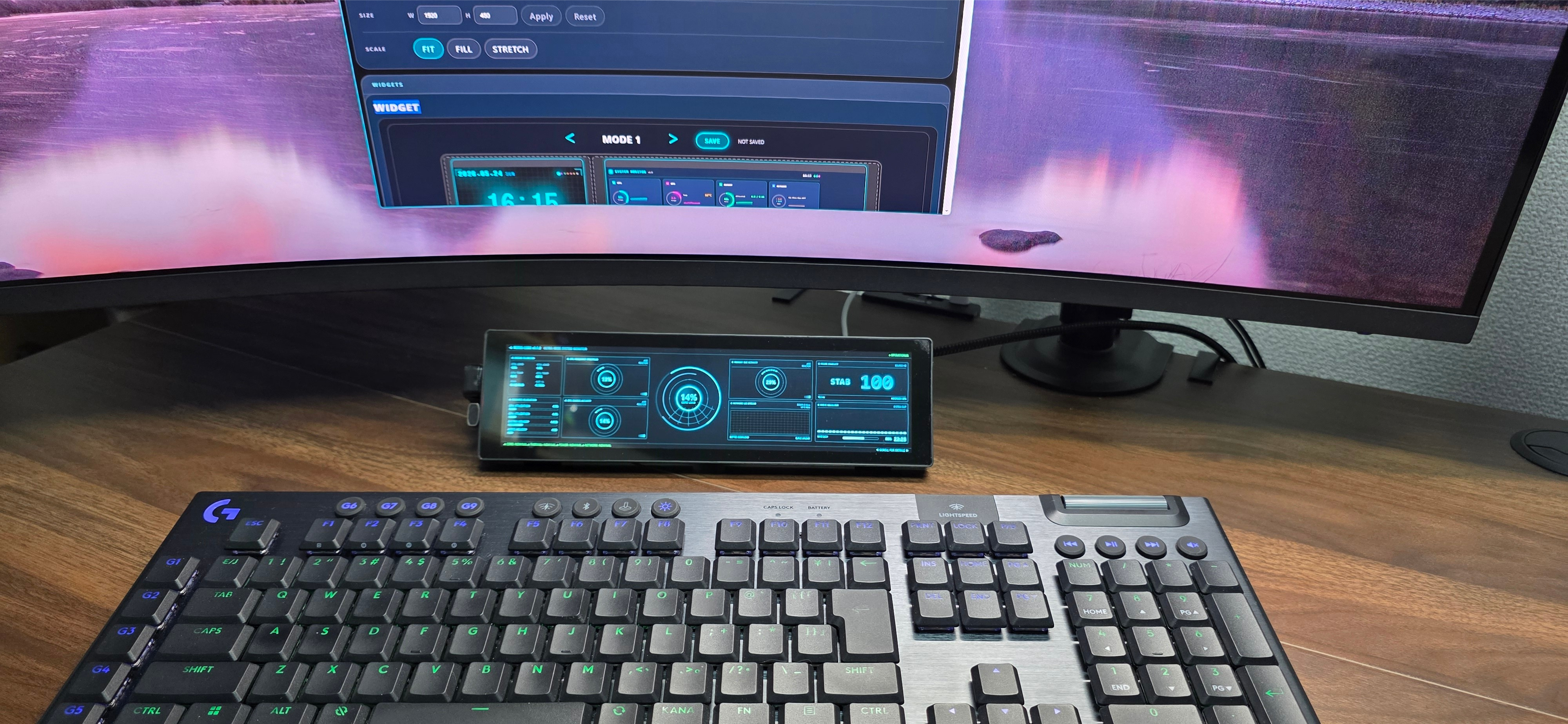
System views keep the display useful when you want to glance instead of interact.

Small detail
Even the boot screen feels intentional.
Luminous Once is built as a finished desktop tool, from startup to daily use.
Specs / FAQ
What can it actually do?
How many touch shortcuts can I place?
Each deck has 15 icon slots, and LUMINOUSonce includes Deck 1 through Deck 5. That gives you up to 75 touch shortcuts.
How many widget cards can the deck show?
The sell-once deck display is focused around up to 5 widget cards, arranged from the Console workflow.
Which players are officially supported?
YouTube, YouTube Shorts, YouTube Music, MediaMonkey, and MusicBee are the current supported player sources.
What display is it made for?
It is built for small ultrawide touch displays, including dedicated 8.8-inch setups. The output can be assigned to the Windows display you choose during setup.
Is this a subscription?
No. Luminous Once is the sell-once edition. You buy the current edition once and activate it locally with a license key.
What kind of support is included?
Launch support covers installation, activation, deck display setup, and core widget or player troubleshooting.
Is this only a launcher?
No. Deck Widget is the core, but LUMINOUSonce is designed as a touch-friendly desktop control surface for a dedicated ultrawide display.